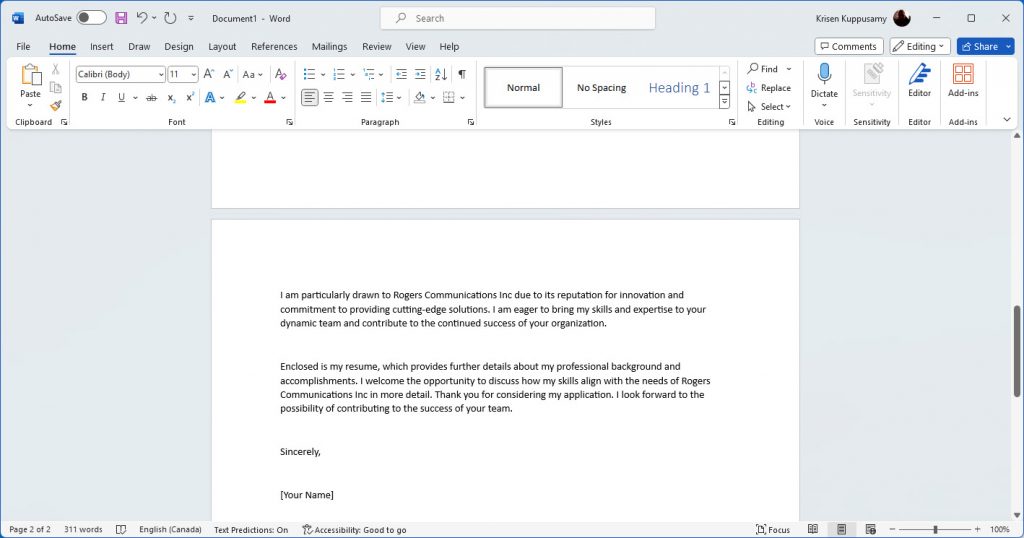

In this example i will create a cover letter for an IT analyst position in Montreal that needs a working knowledge of French. I will be using a web browser and Microsoft word on the PC. Note this can also be done on a smart phone using the Microsoft Bing app. That will be displayed in an upcoming post.
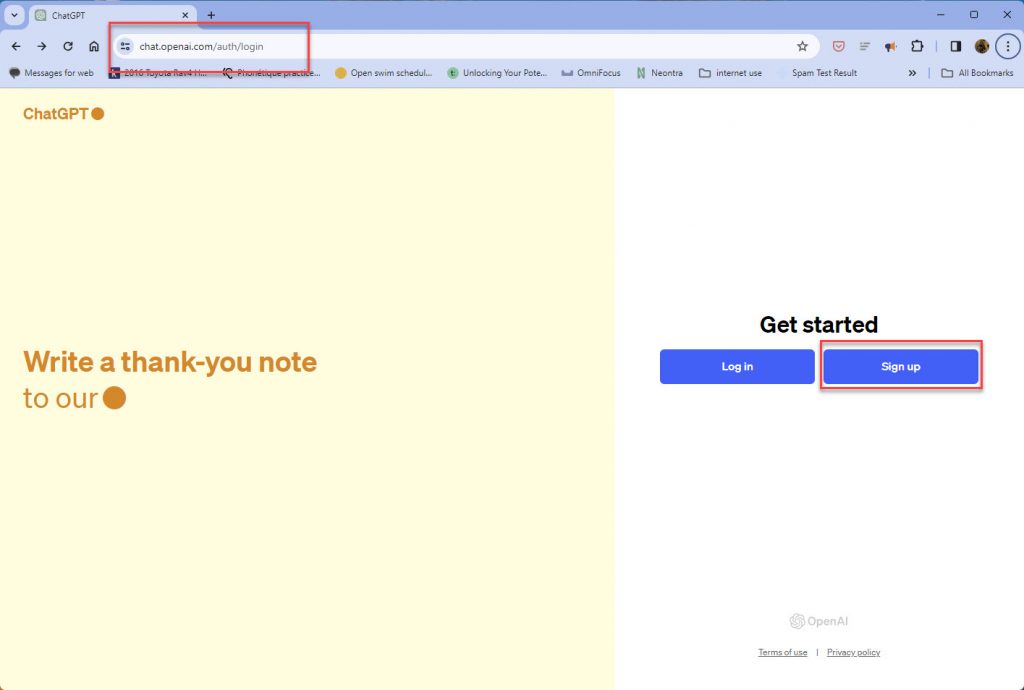
Step 1: Sign into Chat GPT (https://chat.openai.com/) as a new user and use your Google Account. ( also options to use Microsoft/Apple Account or use your own email)
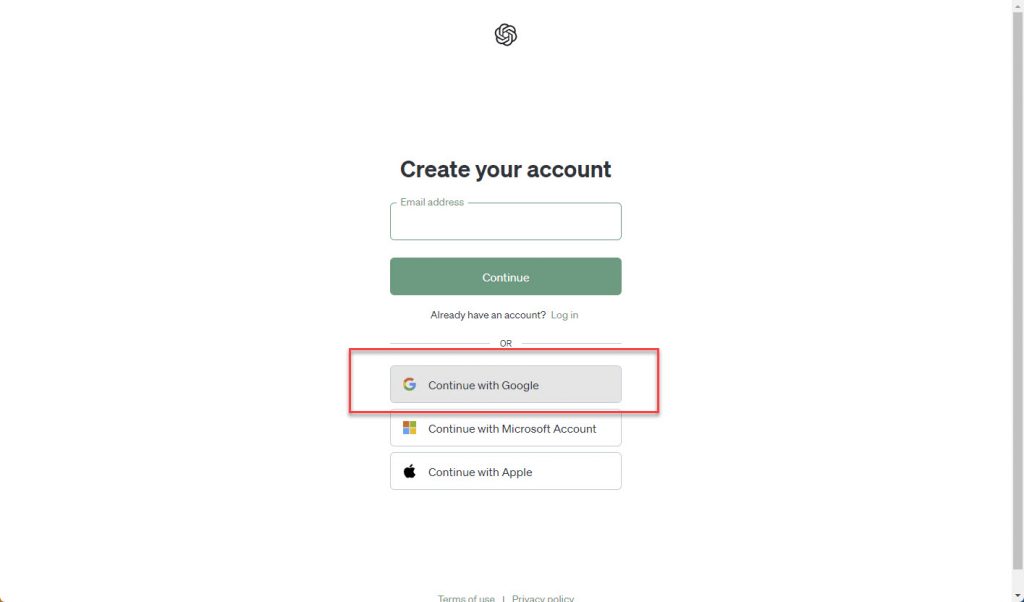
Step 2: Select with user account you would like to sign in with. in this example I used my Google Account:
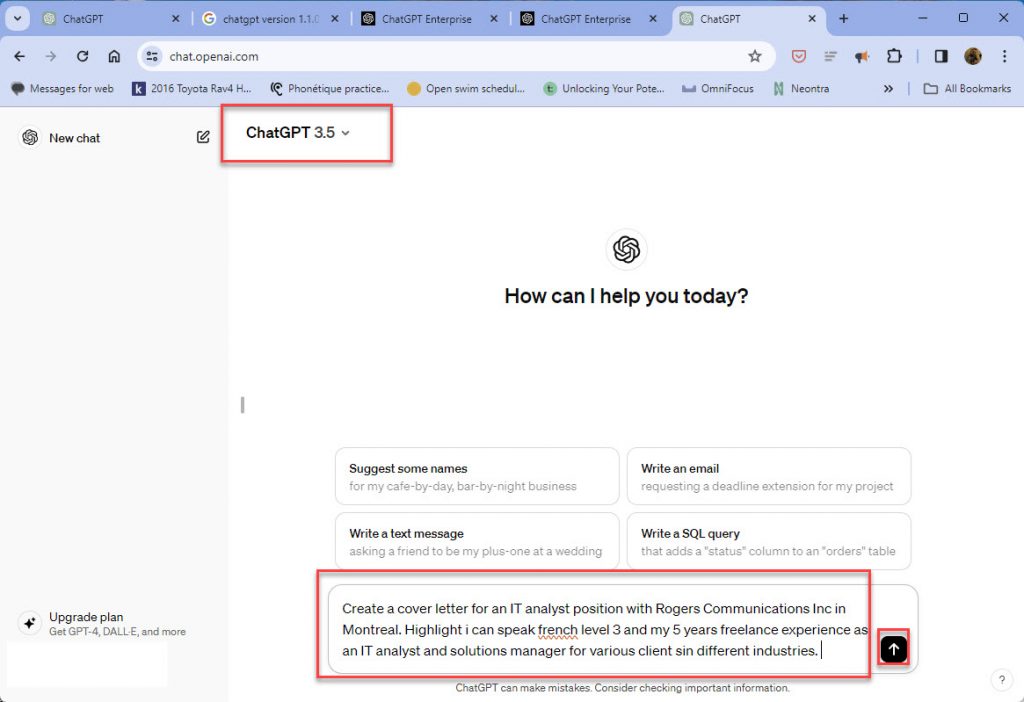
Step 3: Start typing your query into the bottom chat of the ChatGPT screen. Note only version 3.5 can be used. The 4.0 version requires a paid subscription. In this example I’m asking ChatGPT to create a cover letter and I’m giving it some parameters to work with ie. my experience ,my French proficiency, and name and location of the company. When finished click on the up arrow next to the chat to submit the request.
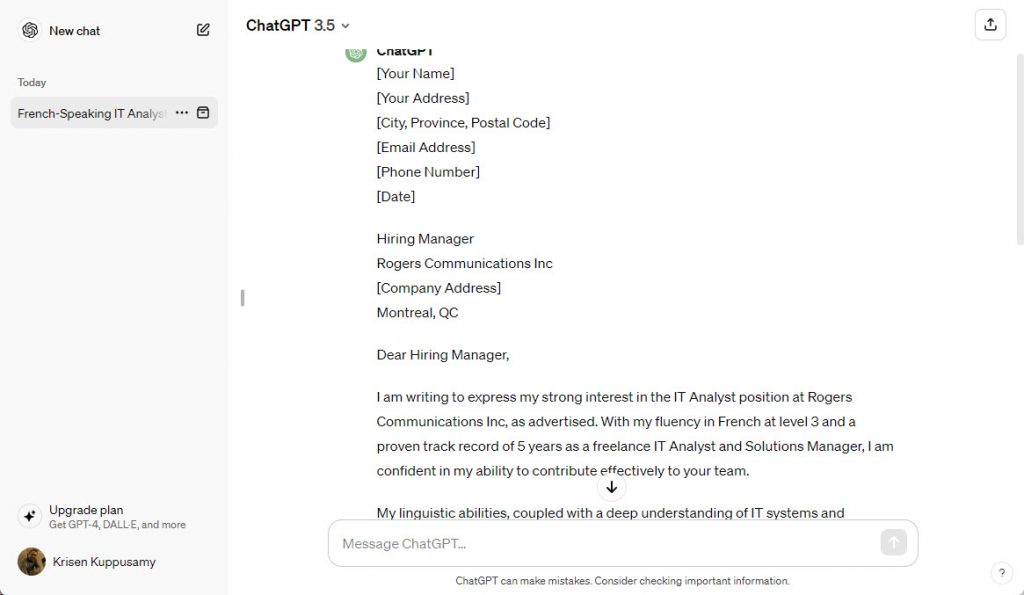
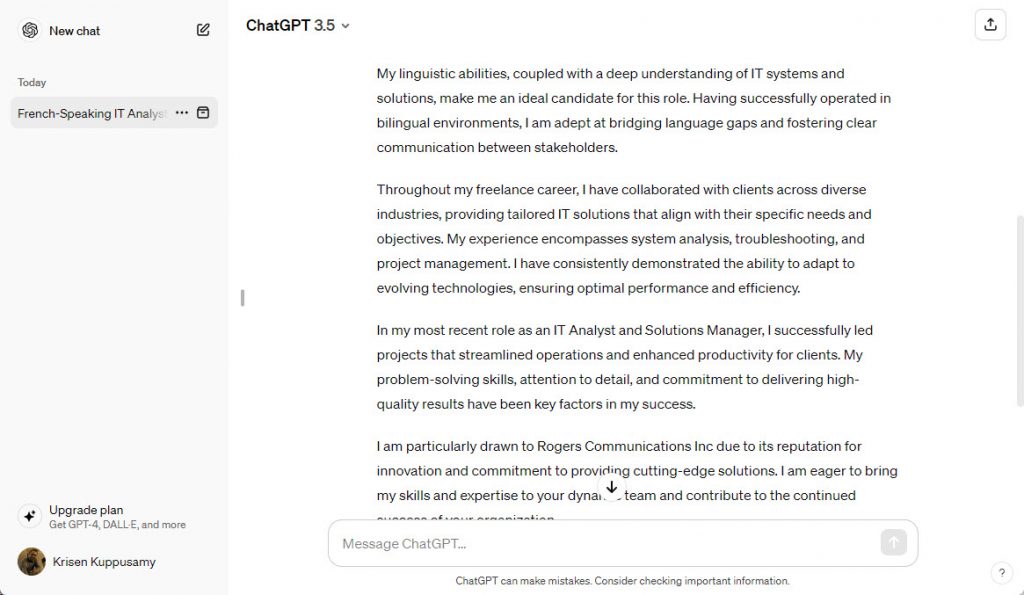
Step 4: review the cover letter that ChatGPT generates, scroll down if needed to see the entirety of the response.
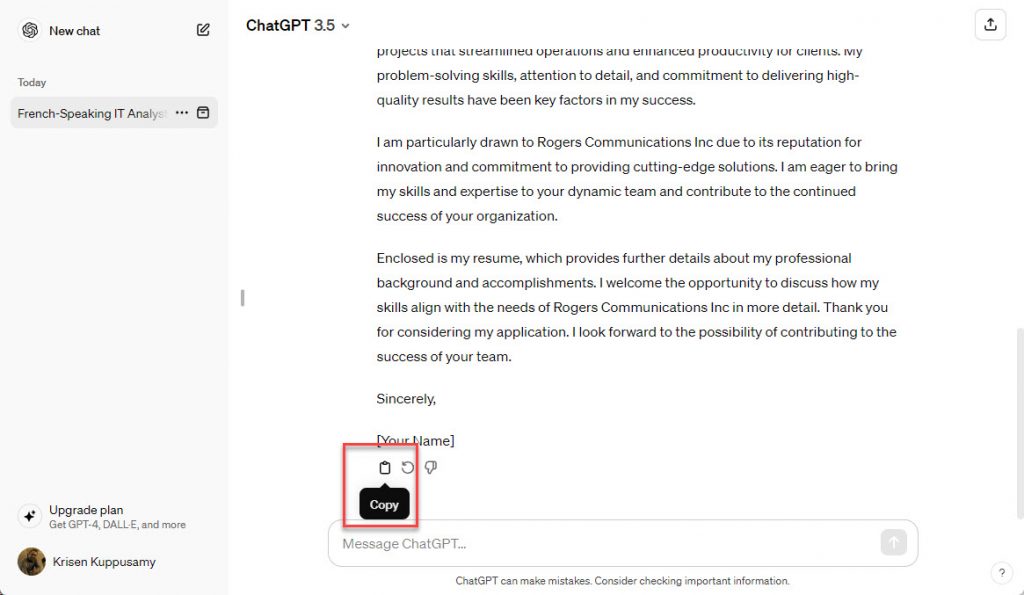
Step5: Copy the text by clicking on the copy button at the end of the ChatGPT response.
Step 6: Open MS Word or Google Docs and paste the contents of the letter. You are now able to tweak it and then save as a Cover Letter for the Job Posting of your choice. It’s That Simple!