
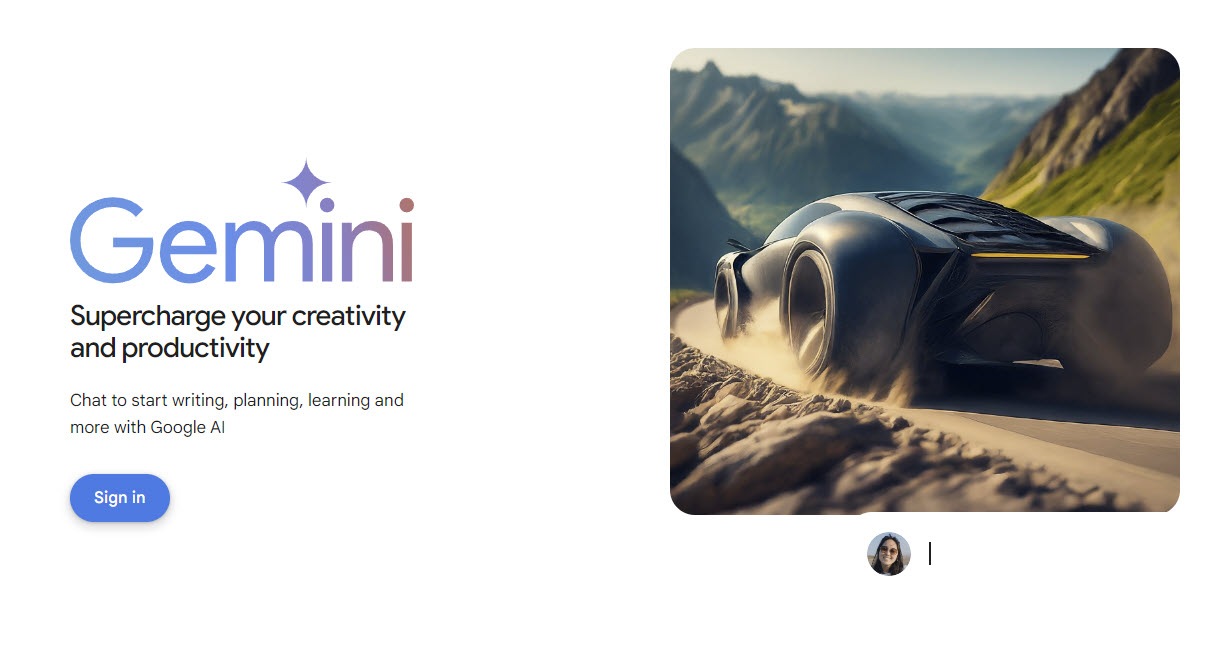
Gemini is Google’s competitor to ChatGPT. Here’s how you can access Google Gemini from browser. Go to gemini.google.com and sign in. Note you will need a google account to access Gemini
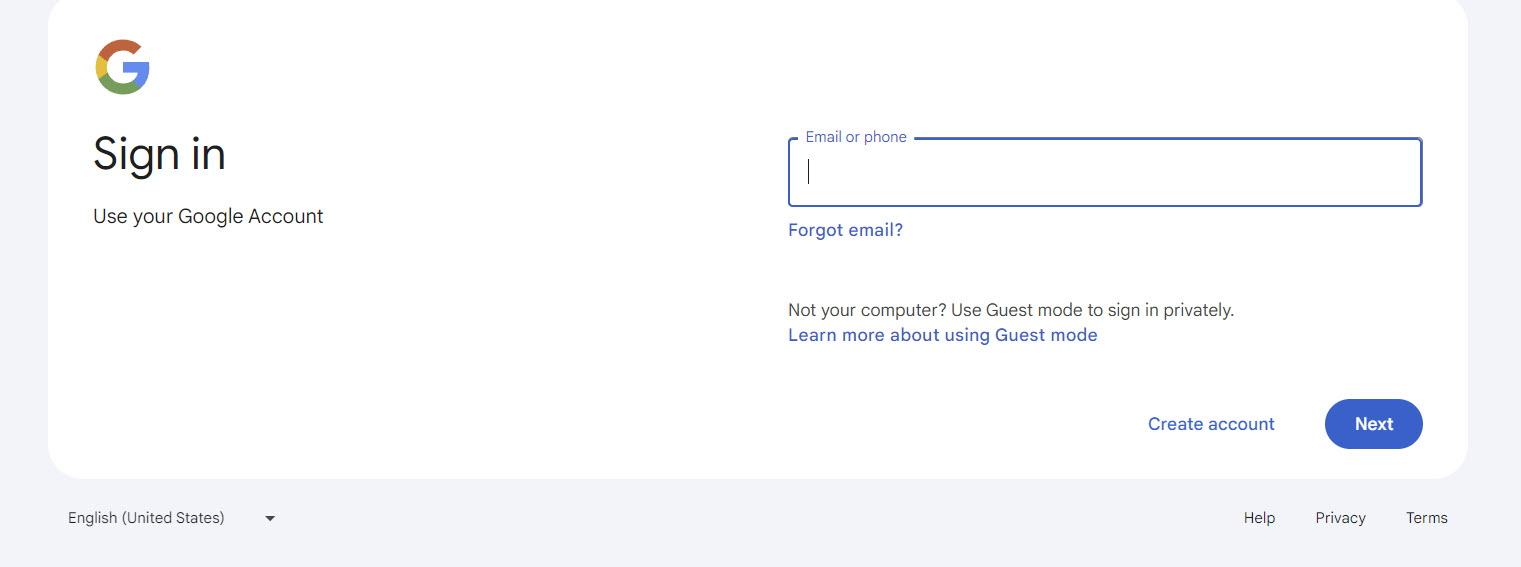
sign in with your Google account. this screen is skipped if you’re already signed in.
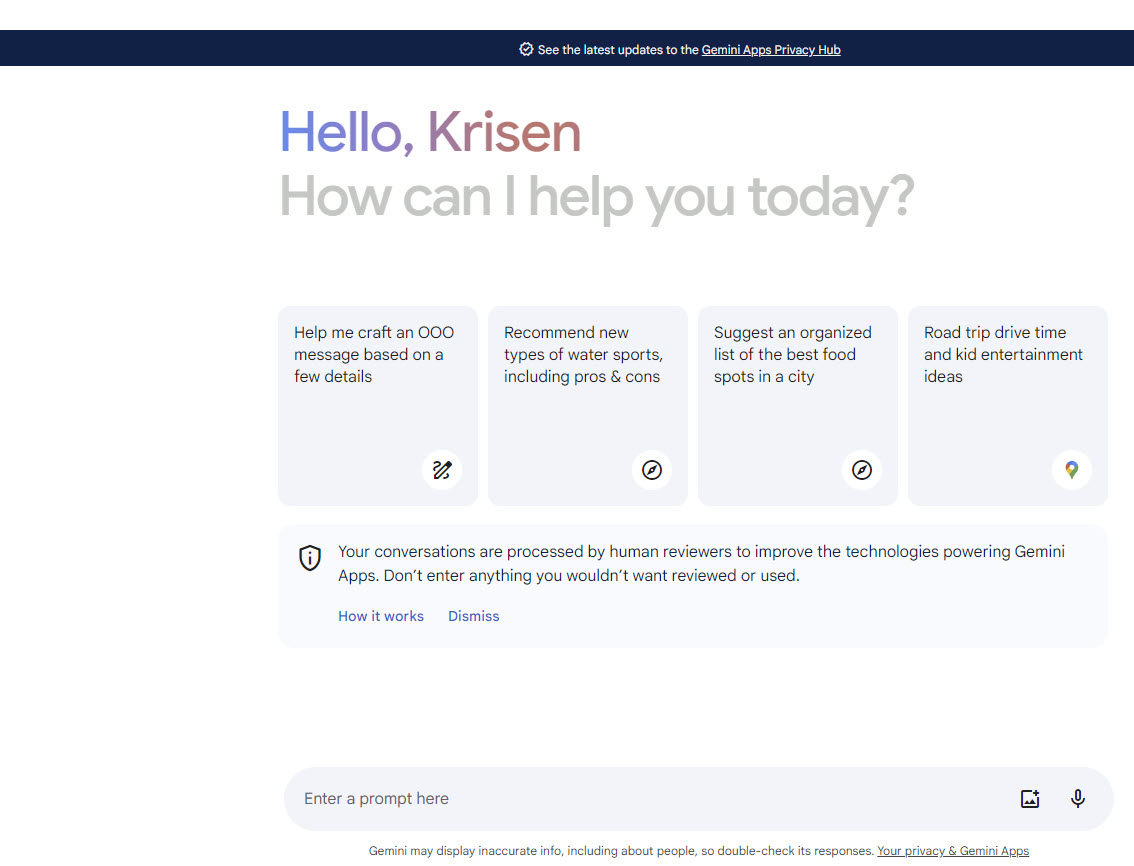
From this screen you can start to enter your query. Google provides some examples. you can use Gemini to modify an email to make it less wordy and more free flowing and modern; create a picture based on an imaginary scenario, or do research for work opportunities.
In the following videos I ask Gemini to show me cat breeds and then in the next video I ask Gemini a question about IT opportunities and follow up with a query based on what Gemini responded with in the previous search. Gemini is interactive so you can ask it follow up information such as “show me more” or leave out some details in your next question and Gemini knows the context of the conversation.