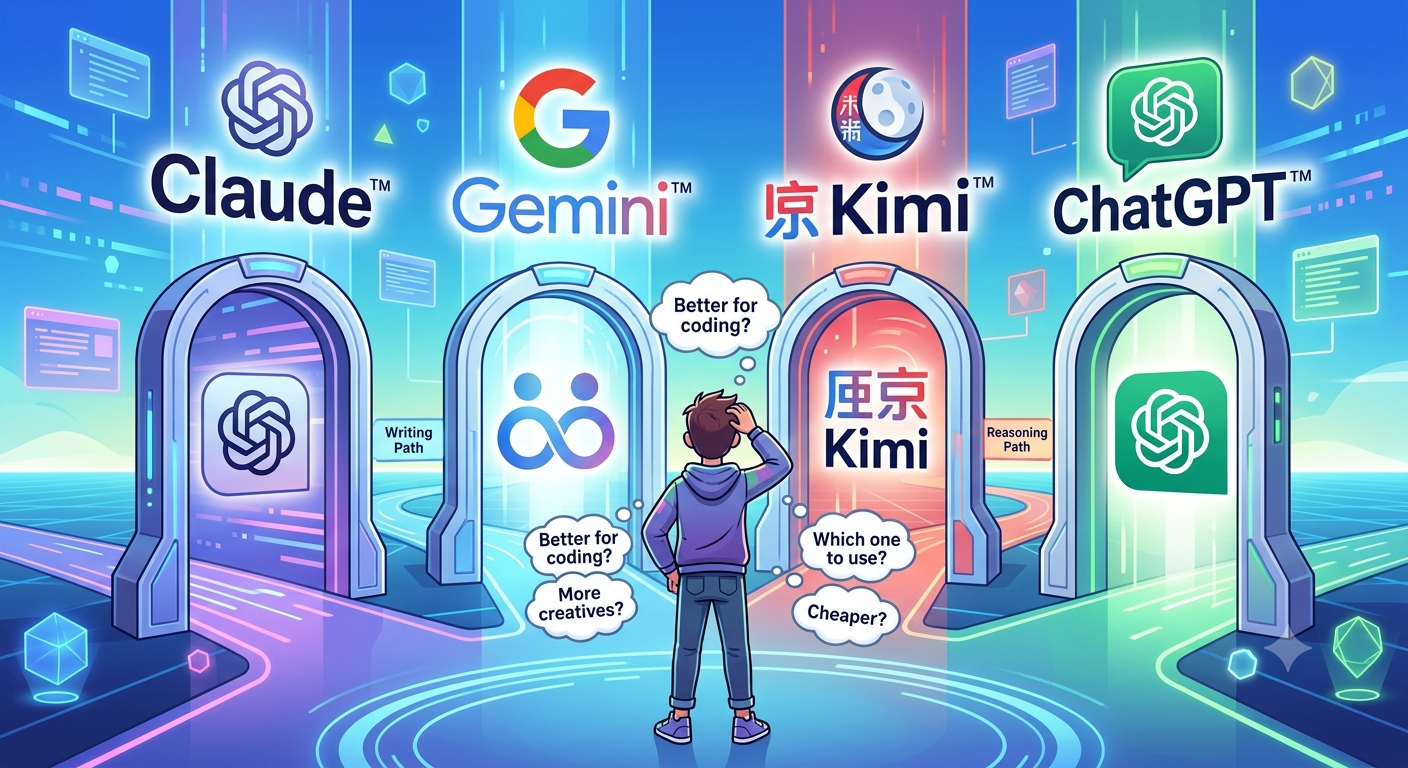
I have subscriptions to Claude (max plan) ; ChatGPT (plus plan) and Kimi (Allegretto plan). I also have Gemini (Lite plan) but I tend to use that only for research.
Claude and ChatGPT has full control over my desktop and full control over my chrome browser via an extension they both install. Kimi has full control to my command line so I can ssh/sftp into my different hosting accounts and Kimi code can take over by editing the code remotely. I don’t do local code development as I’m not a trained programmer.
From my experience so far, Claude Fable is the most capable model, but it uses up credits quickly, especially if taking over my desktop. With the Max plan, I get 50% of usage with Fable and the remainder with Opus, the other model I use. I don’t use the lower models because I haven’t tested out their capability. When I run out of my 5hr session credits, I switch to ChatGPT. GPT’s latest model Sol 5.6 is really close to Fable and is good at designing front-end web work. I haven’t tested it for coding, but it’s equally capable.
I got Claude Fable to do a task yesterday: organize my Action Items and apply GTD (getting things done) principles to them. It spent a lot of time and then ran out of credits after 20+ mins. I was surprised it took so long. Then I put the same requirement to ChatGPT, and instead of doing the same thing as Claude, it came up with a more novel approach: export my items to a text file, then analyze them and come up with recommendations. That was much more effective and used up very few credits. I would have liked Claude to give me this option first. It did in the very beginning, and I went down the take over my PIM path. Had I known the cost of performing the task, I would have used the ‘export to text and analyze’ option. What I learned from yesterday is that it’s very important to compare the agents’ approaches and estimate how much time and credits the task would take. The main takeaway is to choose the most cost-effective approach first.
I used Kimi Code K3 to convert a Java-based application to HTML and JavaScript. KIMI did a great job with the migration, but it struggled with the GUI elements. I took the JavaScript application and ran it through Claude to change the GUI, and that was really easy. Claude took control of my chrome browser to make the edits in WordPress and update the files using the file manager app of my hosting provider.
I spent a lot of my personal time figuring out how to anonymize a meeting transcript, send that to an LLM for extracting meeting minutes and action items, and then paste back the original participants and the companies/products involved. I have a process working that looks good, although it adds about 10 minutes to the process of generating meeting minutes. The main takeaway is that the added time is worth it for confidentiality.